Monitoring & Diagnostics
Monitoring & Diagnostics
Message Center provides two levels of operational visibility: the Monitoring page (Grafana dashboards) and the Diagnostics page (system health checks).
Monitoring (Grafana)
Access: Admin and Super Admin roles only.
The Monitoring page embeds a Grafana dashboard directly in the Message Center UI. No separate Grafana login is required.
The dashboard shows cluster-level and dispatch-level metrics:
- Messages per second by status (delivered, failed, in-flight)
- SMSC connection health per ESME channel
- Queue depths and processing latency
- Error rates over time
If the dashboard is not visible and instead shows "Configure environment variables to embed Grafana", ask your administrator to set the GRAFANA_* environment variables. See the Environment Variables Reference for the required settings.
Diagnostics
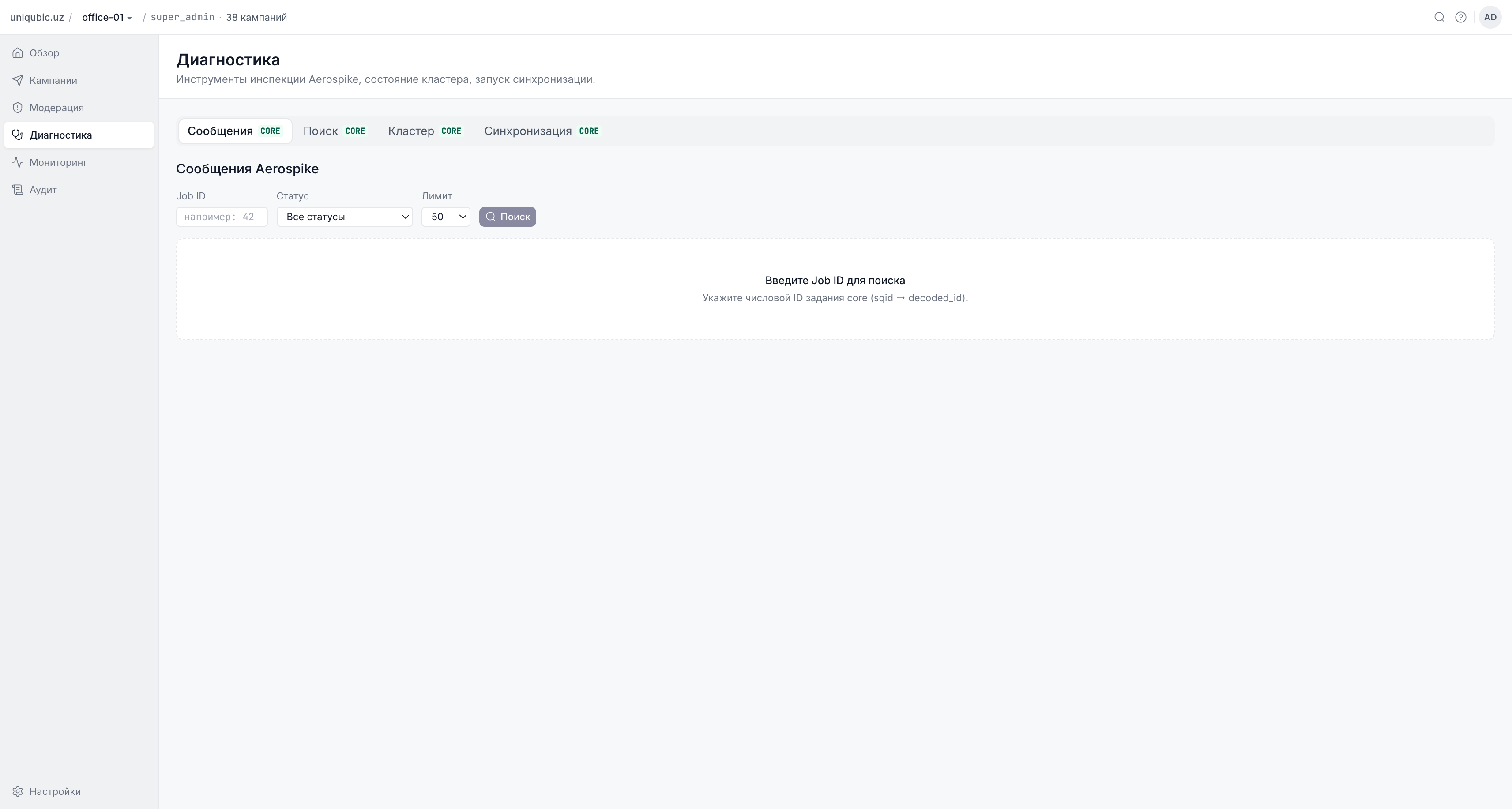
Access: Admin and Super Admin roles by default. Super Admin only if ADMIN_DIAGNOSTICS_ENABLED is not set.
The Diagnostics page provides a real-time health check of all Message Center subsystems. Use it to quickly confirm the system is operational before creating a large campaign.
Core API Health
Shows whether the core SMS dispatch service is reachable:
- ✓ OK — core is responding; new campaigns can be created and started
- ✗ Down — core is unreachable; a banner also appears on the Overview page; creating and starting campaigns is disabled until core recovers
Database Schema
Shows the current MongoDB schema version. In a healthy system this should match the expected version for your Message Center release. A mismatch indicates a pending or failed migration.
Audit Subsystem
| Check | Healthy state | Action if unhealthy |
|---|---|---|
| Audit retention | Shows the configured number of days (e.g. 90 days) | Check AUDIT_RETENTION_DAYS env var and re-run make migrate |
| Audit fallback file | file empty ✓ | If size > 0, the file contains buffered events that will be drained automatically. If the file keeps growing, check MongoDB connectivity. |
Aerospike (optional)
If your deployment includes Aerospike for recipient caching, this section shows connection status and key metrics. Visible to Admins and Super Admins.
What to Check Before a Large Campaign
Before launching a campaign with a large recipient list (>100,000 numbers), verify:
- Core API is ✓ OK on the Diagnostics page
- DB schema matches the expected version
- Audit fallback is empty (no pending drain backlog)
- ESME channel you plan to use is healthy in Grafana
Log Sentinels (for Admins)
Message Center emits structured log entries that your logging system (Loki, Datadog, etc.) should monitor:
| Sentinel | Meaning |
|---|---|
[core-slow] | A core API call took more than 5 seconds — possible overload |
[core-large] | A core API response exceeded 8 MB — check pagination settings |
[audit-fallback] | The audit disk buffer file is growing past 50 MB |
[audit-fallback-overflow] | The 200 MB hard cap was reached — audit events are being silently dropped |
If you see [audit-fallback-overflow] in logs, treat it as a critical alert: audit events are being lost until the buffer is drained.
Next Steps
- Overview Dashboard — the live pulse and delivery donut on the overview page
- FAQ & Troubleshooting — what to do when core is down